
How Can We Help?
Instruction:
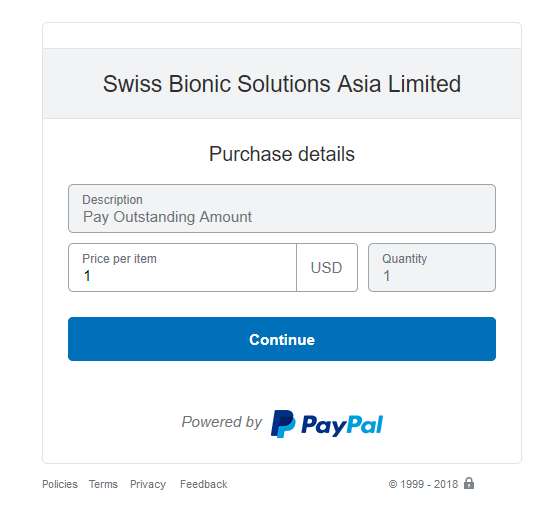
1. Enter the total USD/HKD amount in “Price per item” column
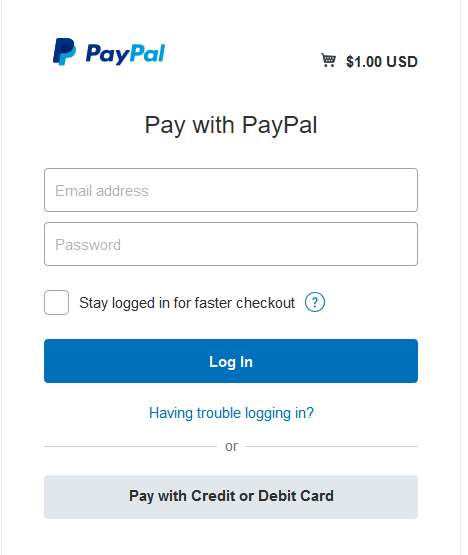
2. Choose Pay with Credit or Debit Card. You don’t have to create a PayPal account to make payment.
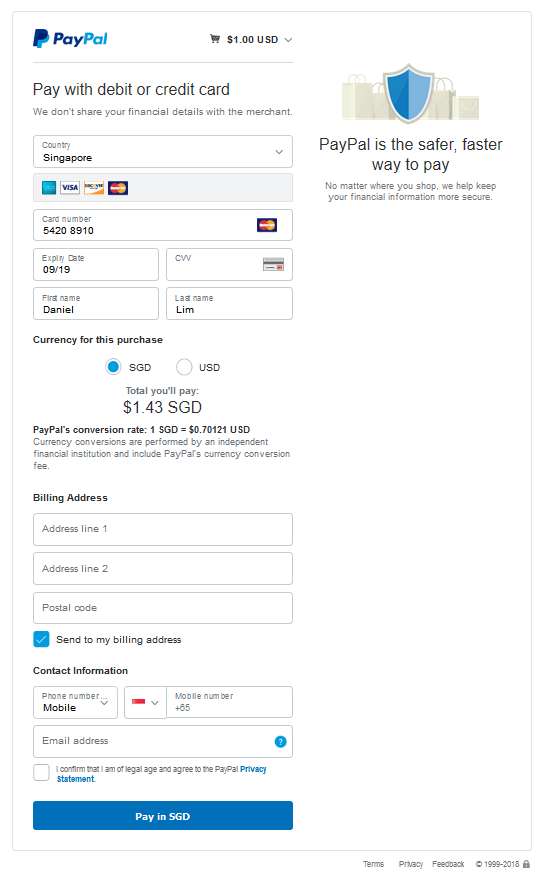
3. This will bring you to the credit card screen. Choose the country where your credit card was issued. After keying in the credit card details, PayPal will show the converted amount according to your local currencies. Please take note of the exchange rate used by PayPal under Currency for this purchase. By default, PayPal will use your local currency for the purchase based on PayPal’s own currency conversion rate. However, you can choose to use the original purchase currency (i.e. USD or HKD) for the purchase, and let your bank (credit card issuing bank) do the conversion. We do recommend you to choose the purchase currency (i.e., USD or HKD) if you are unsure about which currency to use for the purchase.
Key in your shipping & contact details and click the Pay button at the bottom.
4. Upon successful payment, you will receive an acknowledgement in the next screen.
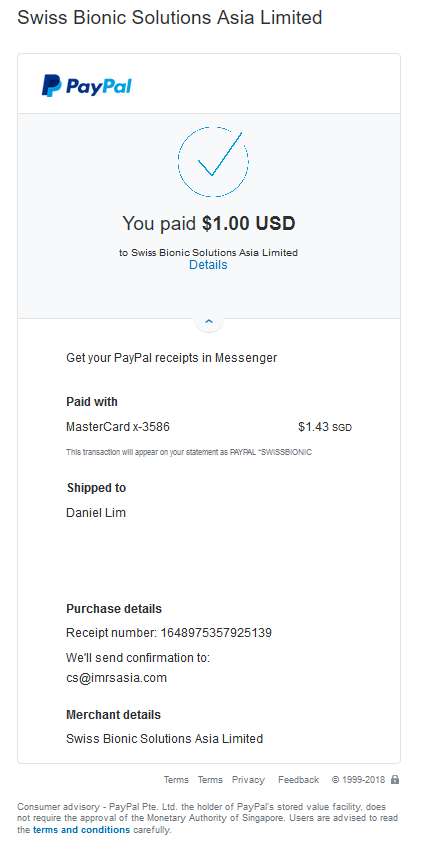
5. You will also receive an acknowledgement e-mail from PayPal such as below:
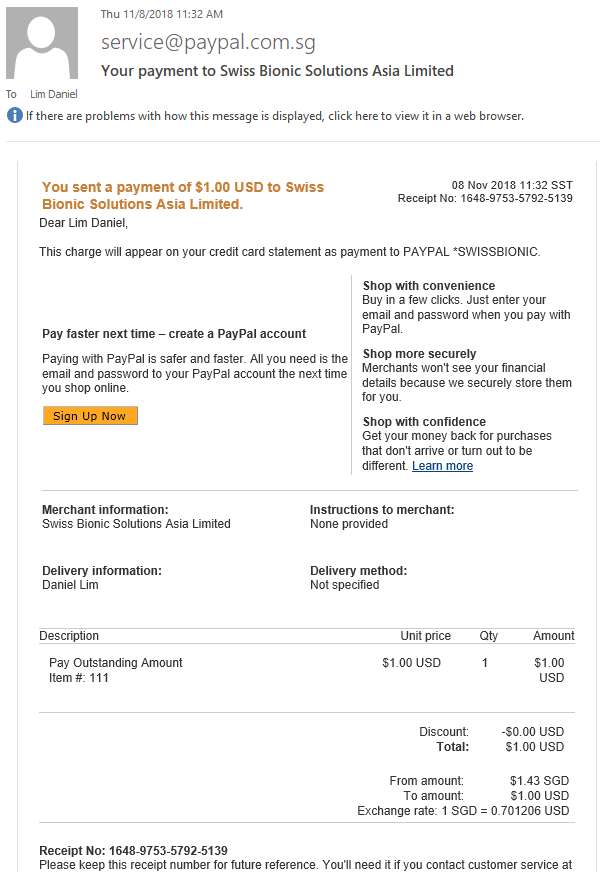
6. Send us the Receipt No, i.e. 1648-9753-5792-5139 (or the above email, or screenshot) and your name in the order form to cs@imrsasia.com so we can match the payment and order for subsequent processing.