
How Can We Help?
Applicable to Prime firmware 2.08
If your system is stuck at the Initializing Applicators Screen (see below) for more than 5 minutes, you probably have a bad applicator or bad port at the connector box.
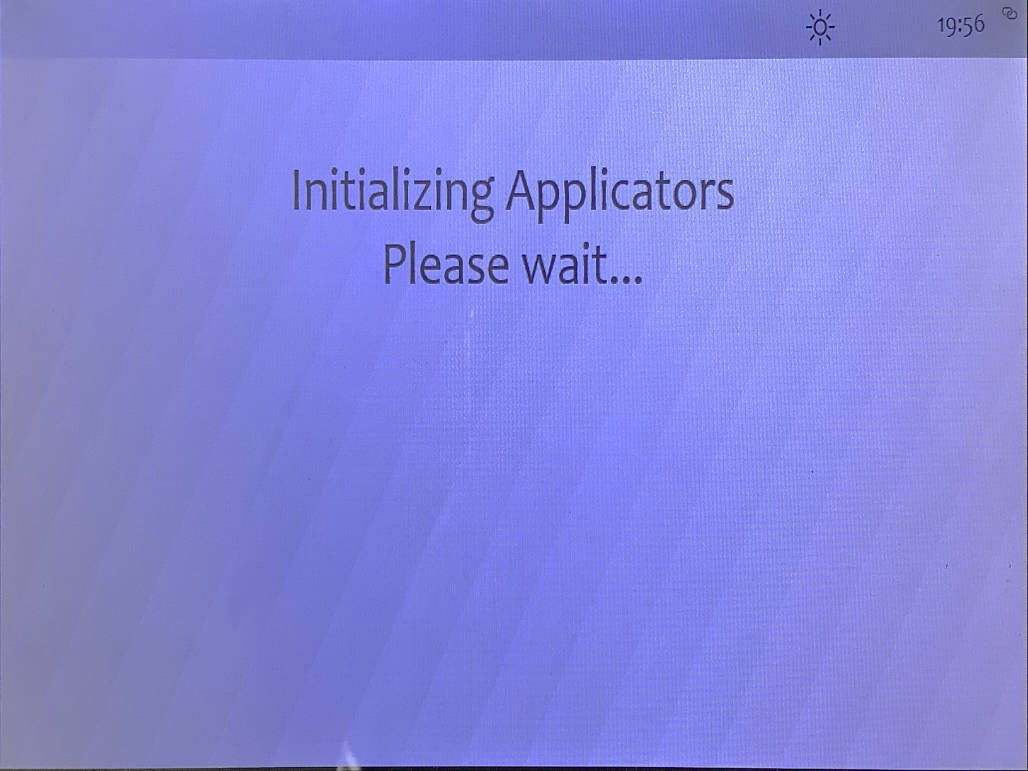
To understand how Prime detect and register the applicator, refer to this KB: https://imrsasia.com/kb/applicator-overview/?seq_no=2
To isolate if the problem is due to connector box or the applicator, power off the system. Unplug all the applicators, including BRAIN and SENSE from the connector box. Connect just the control panel to the connector box, and boot up.
If the system is able to boot up to the main menu, it means the connector box is not all faulty.
Next, plug in the applicator one at a time. Each time you plug in the applicator, the system will pop up the initializing screen. In normal detection and assignment, this should takes between 10-30 seconds, and no more than 1 minute.
If more than 1 minutes, unplug the applicator, and try another port, and few other. If this is consistent, the problem could lie with the applicator itself.
However if trying another port and able to go pass the initializing screen, then this indicates you might have a faulty port at the connector.
Do this for all the applicators to isolate any further issues. There are scenarios whereby you might have multiple causes. To avoid sending back the wrong item to us, the troubleshooting process is essential to identify the faulty component.
In Prime firmware 2.01 and below, you may not experience this issue due to there is no pre-validation of correct port assignment by the system. So the problem will only reflect when you run the session.